
You spend hours designing a flawless company logo. You upload it to your website header. You pull out your smartphone to check the live page and the logo looks like a blurry potato. Yeah, not great.
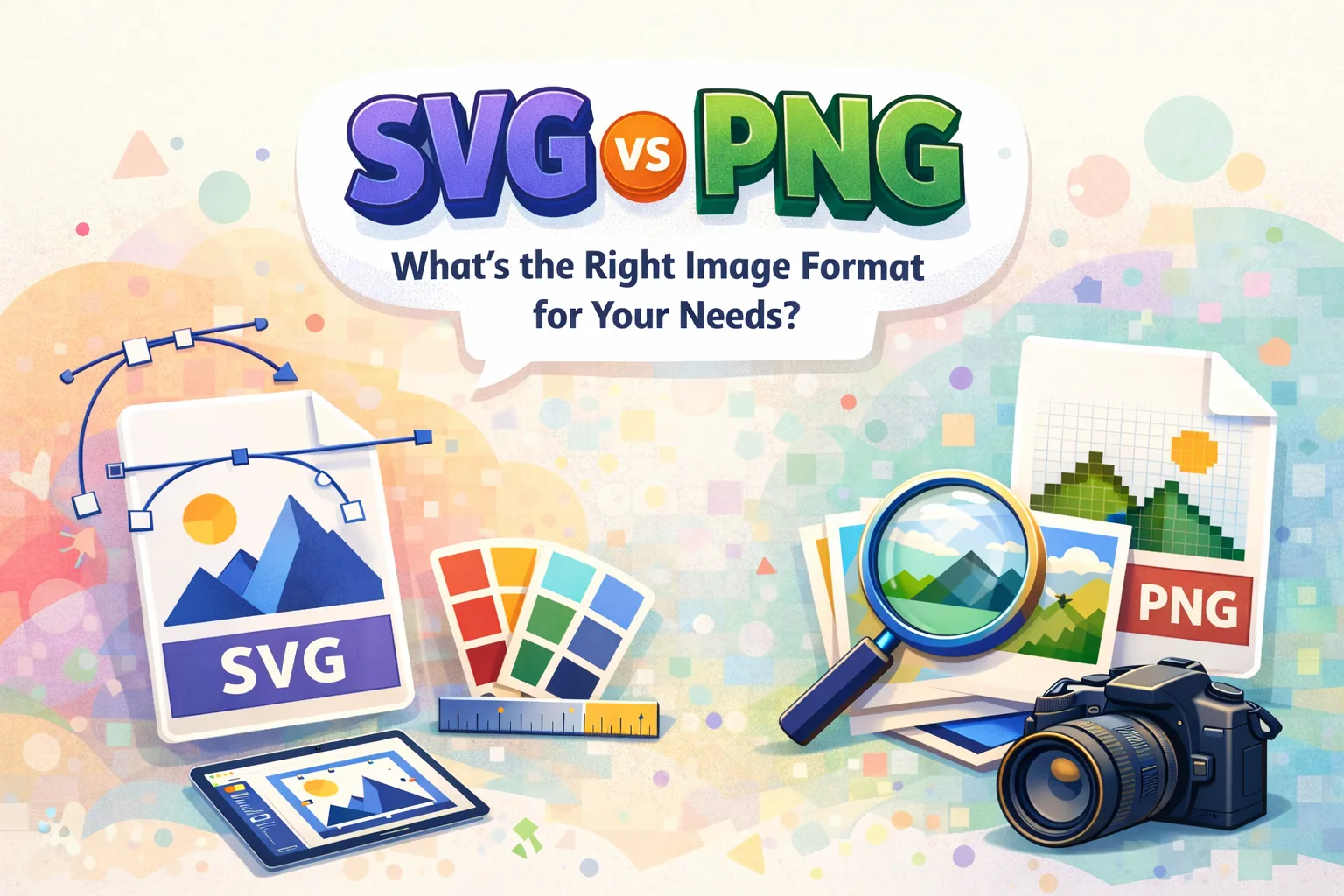
Choosing the wrong image format sabotages your design. It makes your website crawl. It ruins the user experience. You might not even realize it is happening until a client complains. We are going to fix that today by learning the differences between SVG vs PNG.
What is SVG and How Does it Work?
The World Wide Web Consortium introduced Scalable Vector Graphics back in 1999. And it completely changed how developers build websites. Before this format existed, web designers had to rely entirely on heavy image files to create basic shapes and layout borders.
An SVG does not use pixels at all. It relies entirely on mathematics. Under the hood an SVG is literally just Extensible Markup Language code. You can even open a vector file in a basic text editor like Notepad.
You will see raw XML text telling your web browser exactly how to draw specific lines and curves on the screen. Looking at that raw code looks intimidating at first.
You see coordinates, fill colors, and stroke widths written out in plain text using tags like path and rect. Your web browser reads those text coordinates and physically renders the visual shape in real time.
Why SVG Scales Infinitely?
SVG scales infinitely because math does not care about physical screen size. You can stretch an SVG icon to fit a tiny smartwatch display. OR you can blow it up to cover a massive stadium billboard.
It will look perfectly crisp either way. The browser just recalculates the math for the new dimensions. This resolution independence makes vector graphics absolute magic for responsive web design.
You never have to worry about exporting multiple sizes for different devices.
What is PNG and How Does it Work?
Portable Network Graphics hit the scene in 1995. Developers desperately needed a patent free alternative to the old GIF format. GIF files were restricted to 256 colors and carried annoying legal licensing issues.
PNG is a raster format. It basically is a massive invisible grid to map out an image. Every single square in that grid holds one tiny colored pixel. When you zoom all the way out those millions of individual pixels blend together to form a coherent picture.
It functions exactly like a digital mosaic. The format also handles lossless compression. It keeps all the original data intact so photographs and screenshots look incredible.
PNG also brought true alpha channel transparency to the internet. It allows for soft drop shadows and varying levels of opacity without that ugly white halo effect you see on older web graphics.
Why PNG Loses Quality when Scaled?
Raster images have a strict fixed resolution. They contain a finite number of pixels and nothing more. Stretch a small PNG across a big 4K monitor and the computer has to guess how to fill the empty space.
It physically stretches those original pixels until the image looks like a blocky mess. You lose all sharpness the second you push past the native dimensions.
I constantly receive 300 pixel wide PNG logos from clients who expect me to print them on giant trade show banners. It never works. They ask you to just enhance it. That only works in Hollywood movies.
In reality, stretching a raster grid just creates awful blurriness and jagged edges.
What Are the Key Differences Between SVG vs PNG?
| Feature | SVG | PNG |
|---|---|---|
| Scalability | Stays sharp at any size | Can pixelate when enlarged beyond its original size |
| File Size | Depends on markup and graphic complexity | Depends on dimensions, image content, and compression |
| Quality | Crisp at any scale | Sharp at native size, limited when enlarged |
| Editability | Easy to style and edit, often with CSS | Usually requires raster image editing |
| Use Cases | Logos, icons, illustrations, UI elements | Screenshots, detailed graphics, images needing lossless transparency |
SVG vs PNG: Which Format Has Better Image Quality?
SVG wins easily for simple geometry. Modern smartphones pack an insane amount of pixels into tiny screens. A standard raster logo looks completely blurry on a Retina display unless you export it at three times its normal size.
That massive file size kills your performance. Vectors bypass this problem entirely and remain razor sharp everywhere. PNG wins for complex photorealism.
A raster file perfectly maps millions of subtle color gradients across a photograph. Math formulas struggle heavily to recreate natural shadows and highlights natively. You end up with a weird plastic look if you try to build a photo using vector paths.
SVG vs PNG: Which Format Has Smaller File Size?
HTTP Archive’s Web Almanac reports that PNG is used by 26% of pages for their LCP image, while SVG accounts for less than 2%. Think about a solid red background banner.
A vector file handles this with about three lines of code. It just tells the browser to draw a red rectangle. The file size is practically zero. A raster file handles that same red banner by saving the color data for a million individual pixels.The file size bloats instantly.
If you have a highly detailed photograph of a forest the script flips completely. The raster file compresses the chaotic colors efficiently. Tracing every single leaf in a forest using mathematical vector paths creates an absolutely massive XML file that will crash your browser.
File size depends on what you are actually trying to display.
Can You Animate SVG and PNG Files?
SVG files are actually alive on the page. They live directly inside the Document Object Model of your website. Frontend developers can target individual shapes inside the image using CSS or JavaScript.
You can make an SVG logo spin, change colors on hover. You can make an illustration physically draw itself on the screen while the user scrolls down the page.
PNG files are dead pixels. They just sit there doing nothing. You can technically use the APNG format for basic motion but browser support remains incredibly spotty compared to vector animations.
SVG vs PNG: Accessibility Handling
Accessibility often gets ignored during design handoffs. SVG actually provides massive advantages for visually impaired users. You can literally type title and description tags directly inside the XML code of an SVG file.
Screen readers parse that code and read the exact description out loud to the user. PNGs are just flat pixels. They rely entirely on the alt text attribute you attach to the HTML image tag.
If a developer forgets to add that alt attribute, the screen reader just skips the image completely.
When Should You Use SVG?
I refuse to accept PNG logos anymore. Put a PNG logo on a large screen and the edges look fuzzy. Your brand instantly looks cheap. SVGs handle corporate branding perfectly, scaling to fit a smartwatch or a billboard without worrying about pixel density.
- Company logos that need to look sharp on high density mobile screens.
- UI icons like hamburger menus and shopping carts.
- Flat color illustrations with distinct boundaries.
- Interactive data charts that respond to user clicks.
When Should You Use PNG?
You should rely on PNG for pixel heavy complexity. Photographs require PNG because SVGs turns human faces into terrifying plastic mannequins. PNG maps millions of subtle color gradients naturally.
I use it specifically when I need transparent backgrounds for my ecommerce product shots. It handles soft transparent edges like hair perfectly without leaving an ugly white box.
- Photographs with complex lighting and shading.
- Highly detailed digital paintings.
- Software screenshots containing complicated interfaces.
- Social media uploads for platforms that actively block vector files.
How Do You Edit SVGs and PNGs?
You cannot just open an SVG in Microsoft Paint. You need a vector based software like Adobe Illustrator or Figma to manipulate the anchor points cleanly. You can also just open the file in a code editor and manually change the hex color codes in the text.
PNG files require raster editing software like Photoshop. You have to use selection tools to isolate colors and paint over pixels manually. If you try to enlarge a PNG during the editing process, you permanently destroy the image quality.
SVG vs PNG for Websites: Which is Better for Performance?
I have spent hours debugging slow HubSpot landing pages only to find thirty heavy raster icons crushing the load time. Seriously!
Load Time
SVGs load almost instantly. You can embed the XML code directly inline into your HTML document. That eliminates a server HTTP request entirely. The browser just reads the text and draws the shape.
PNGs always force the browser to stop and fetch an external file over the network.
File Size
Swapping high resolution raster icons (PNGs) for clean vectors (SVGs) usually slashes your total file weight by 60 to 80 percent.
DOM Impact
You do have to be careful with complex vectors. A massive inline vector SVG with ten thousand mathematical paths will bog down the browser eventually.
It forces the computer to calculate too much math at once. You have to keep the anchor nodes clean and minimal. Do not export messy vectors from Adobe Illustrator directly to your live site without cleaning them up first.
Core Web Vitals impact
Google tracks how fast your pages actually load. Tiny vector files help you pass the Largest Contentful Paint test effortlessly. Just remember to always define the explicit width and height attributes in your code.
If you let a vector load without dimensions, it can cause the page layout to jump around wildly as the browser figures out how big the shape should be. That hurts your Cumulative Layout Shift score.
Do SVG and PNG Impact Your SEO Differently?
Search engines cannot fully see inside a raster pixel grid. They rely on your alt text attributes to figure out what the image actually depicts.
Google can read the raw XML code sitting inside an SVG file. It indexes the text embedded in the code. A lighter web page also ranks higher naturally. That gives vector graphics a massive technical SEO advantage for basic UI elements.
Can You Convert a PNG to an SVG?
Clients constantly ask me to convert their tiny raster logos into scalable vectors. You can run a PNG through an auto tracing tool. The results are usually horrible.
Tracing software guesses where the vector paths should go based on color contrasts. A simple two color logo might trace okay. A detailed graphic will generate thousands of jagged, messy anchor points.
The resulting XML file becomes incredibly bloated. You usually end up redrawing the entire logo from scratch anyway to keep the code clean.
Can SVG Replace PNG Completely?
Absolutely not. SVGs fail miserably at rendering photorealistic complexity. You will always need raster files for actual photography. Security presents a much more annoying wall.
WordPress and Salesforce tends to no work well with vector uploads by default. Clients get incredibly frustrated by this restriction. Hackers can hide nasty JavaScript payloads inside the XML code to execute Cross-Site Scripting attacks.
You must run all vector files through a dedicated sanitizer tool before uploading them to any content management system. It adds serious friction to the design handoff process.
SVG vs PNG: Final Decision Framework
Stop guessing right before you hit the export button. Look at the visual complexity of your canvas. Need a logo? Choose SVG. Uploading a photograph of your team? Choose PNG.
Designing a set of navigation icons? SVG. Sharing a screenshot of your desktop? PNG. Let the actual content dictate the file format.
Frequently Asked Questions
Is SVG better than PNG?
SVG is vastly superior for scalable web design elements. PNG handles complex photorealistic images much better.
Why is SVG smaller than PNG?
SVG relies on lightweight mathematical code rather than storing millions of heavy individual pixels for every single color shift.
Can SVG replace PNG?
No. Vectors cannot efficiently recreate the complex color shading required for natural digital photography.
Is SVG good for websites?
SVG is the absolute best format for responsive web design because it scales perfectly to any screen size without adding file weight.
Does SVG affect SEO?
Yes. Search engines can crawl the text inside the code. The tiny file sizes also drastically improve your page speed metrics.
Can I convert PNG to SVG?
You can trace a PNG raster image to create a SVG vector. The result often looks messy and bloated if the original image was highly detailed.
Can PNG have transparency?
Yes. It supports an alpha channel for perfect background transparency.